Guide : Full Time
The following section describes the process when the match ends.
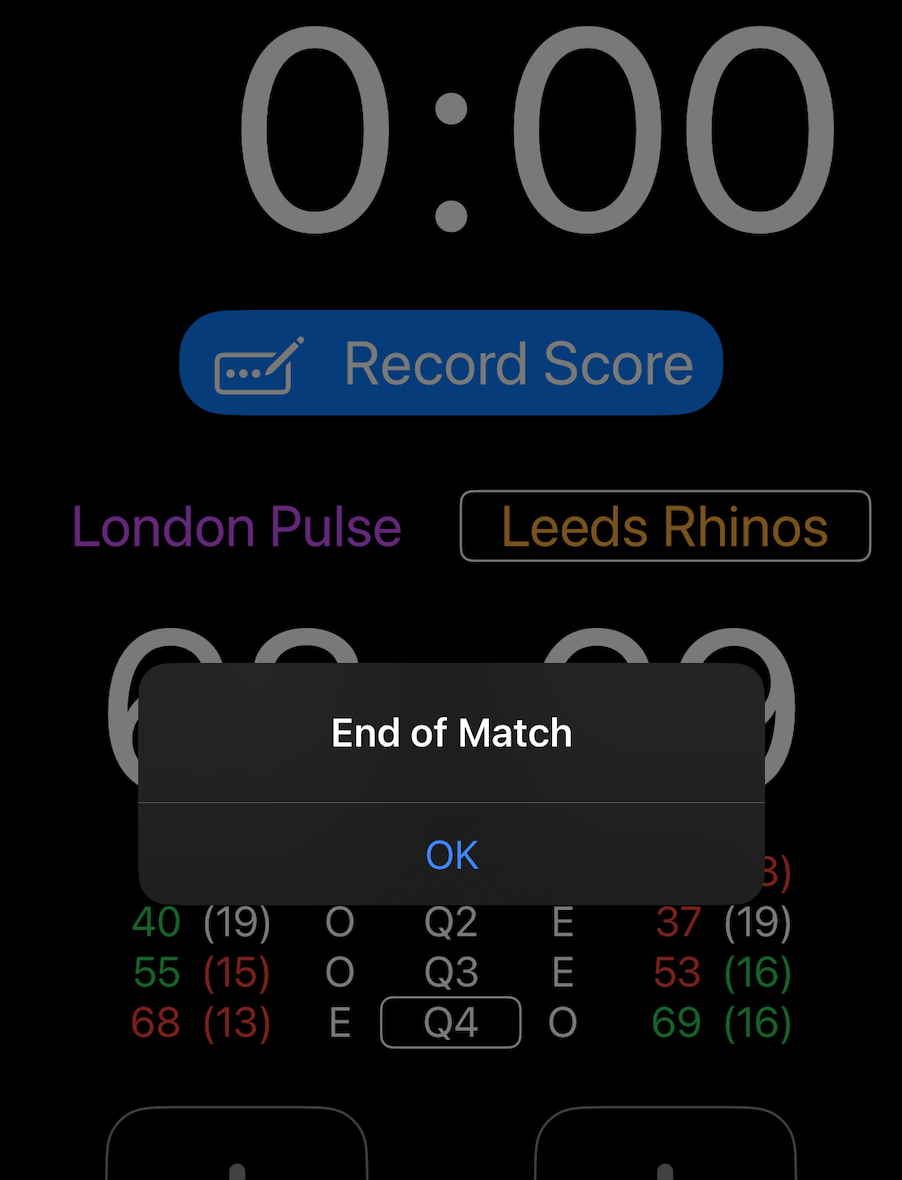
When the timer reaches 0:00 in the last quarter, the buzzer is sounded and an end of match message is displayed.
If a goal is scored after the timer has reached 0:00 but before the umpire has ended the match, this goal should be added to the score by re-enabling the “+” buttons using the padlock icon.
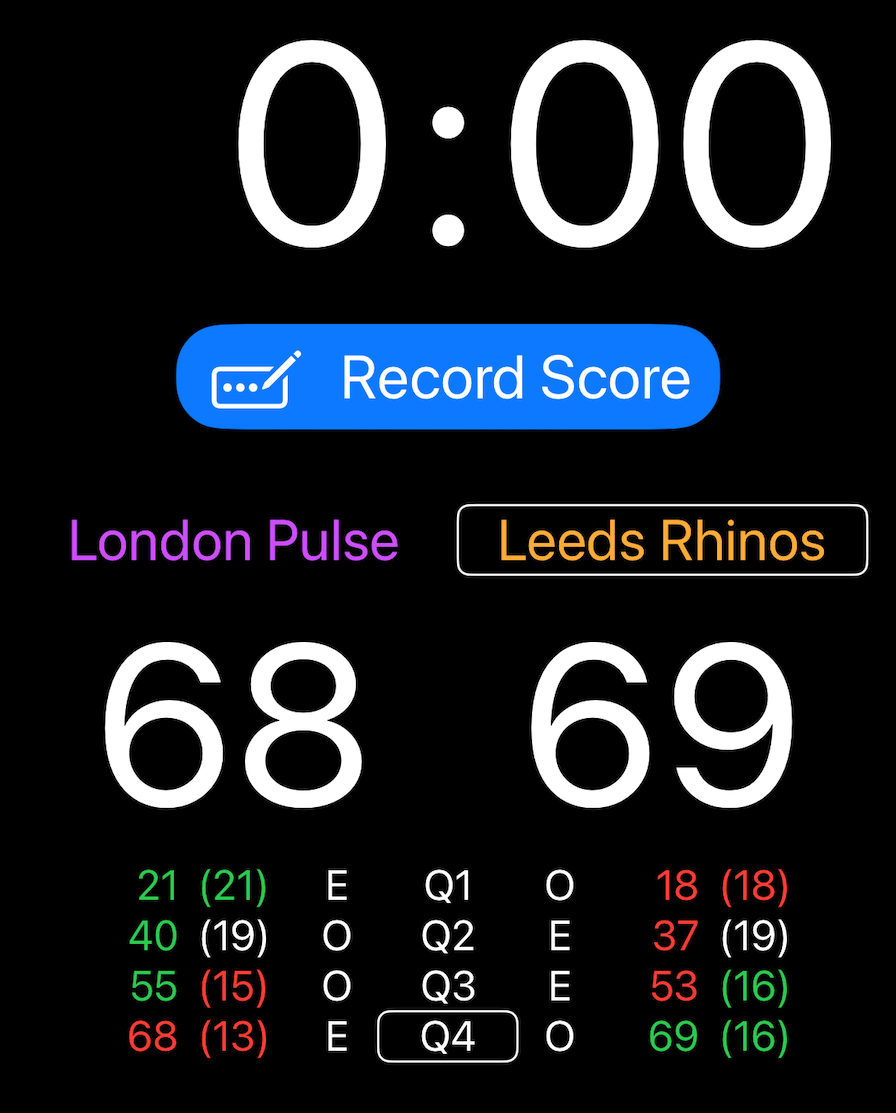
The final score should then be confirmed with the other score keeper. Any adjustments required can be made by reactivating the “+” and “–” buttons using the padlock icon.
Once the final score is confirmed, press the Record Score button to store the score in the app.
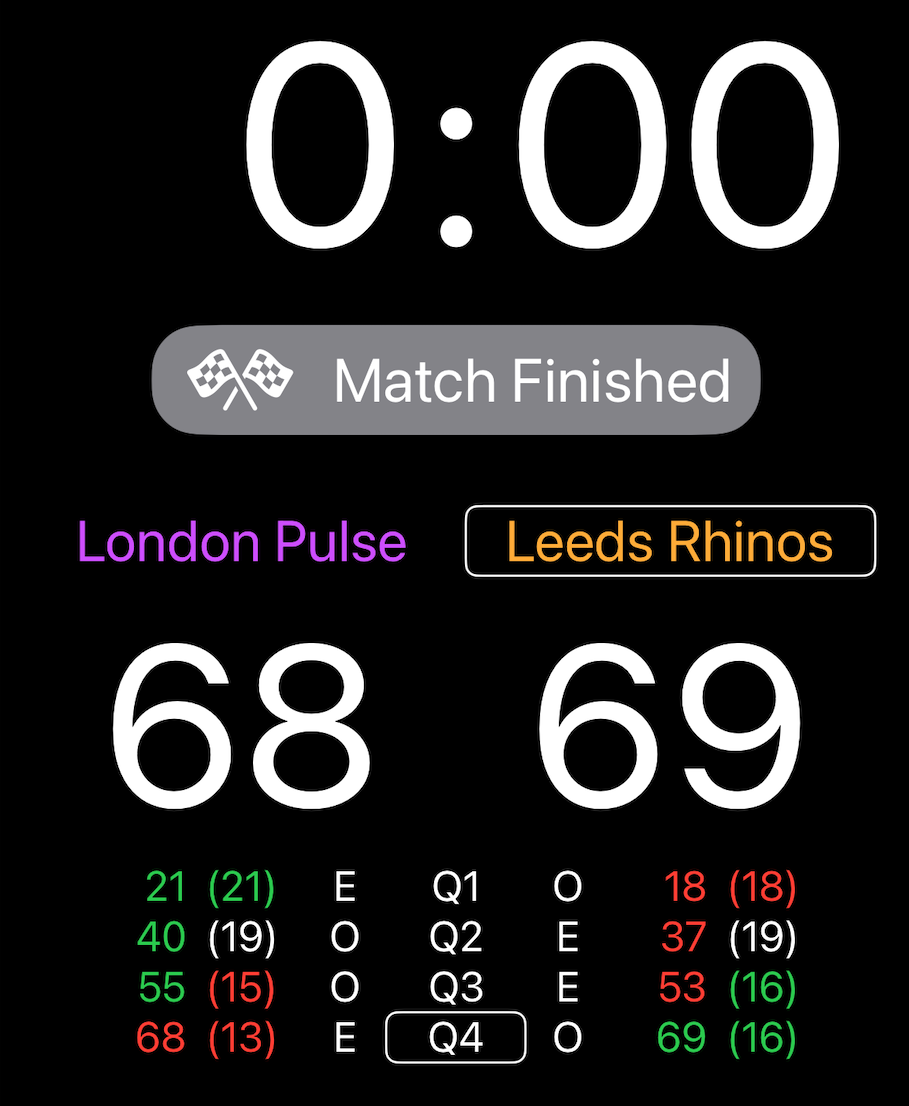
When Match Finished is displayed, the score has been stored and nothing further needs to be done.
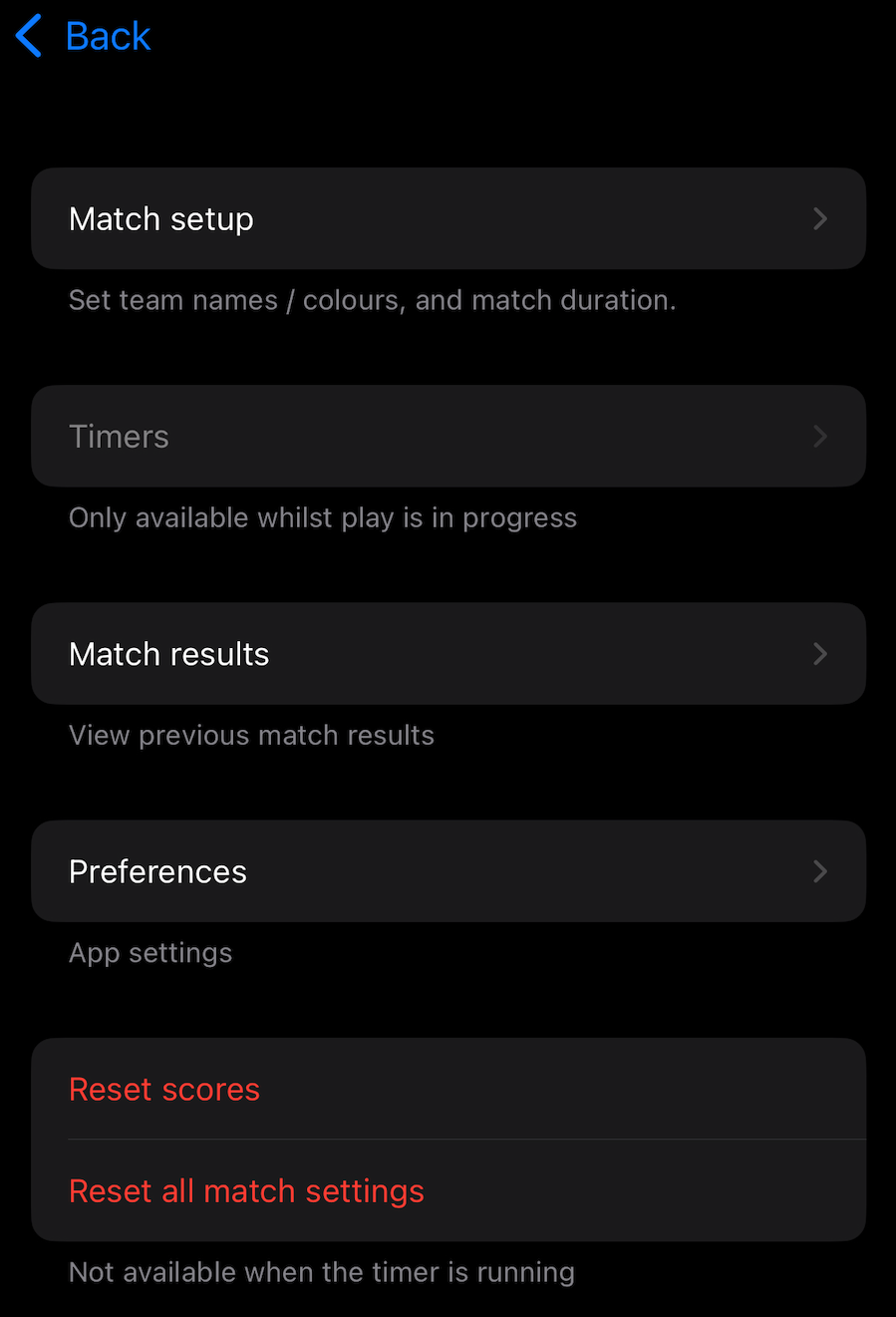
To prepare for the next match, press Menu and then either select Reset Scores to play another match with the same settings (team names and colours, match duration, number of quarters, etc), or Reset all match settings to return all settings to default.